
9 Common DIY Squarespace Website Mistakes (And How to Fix Them)
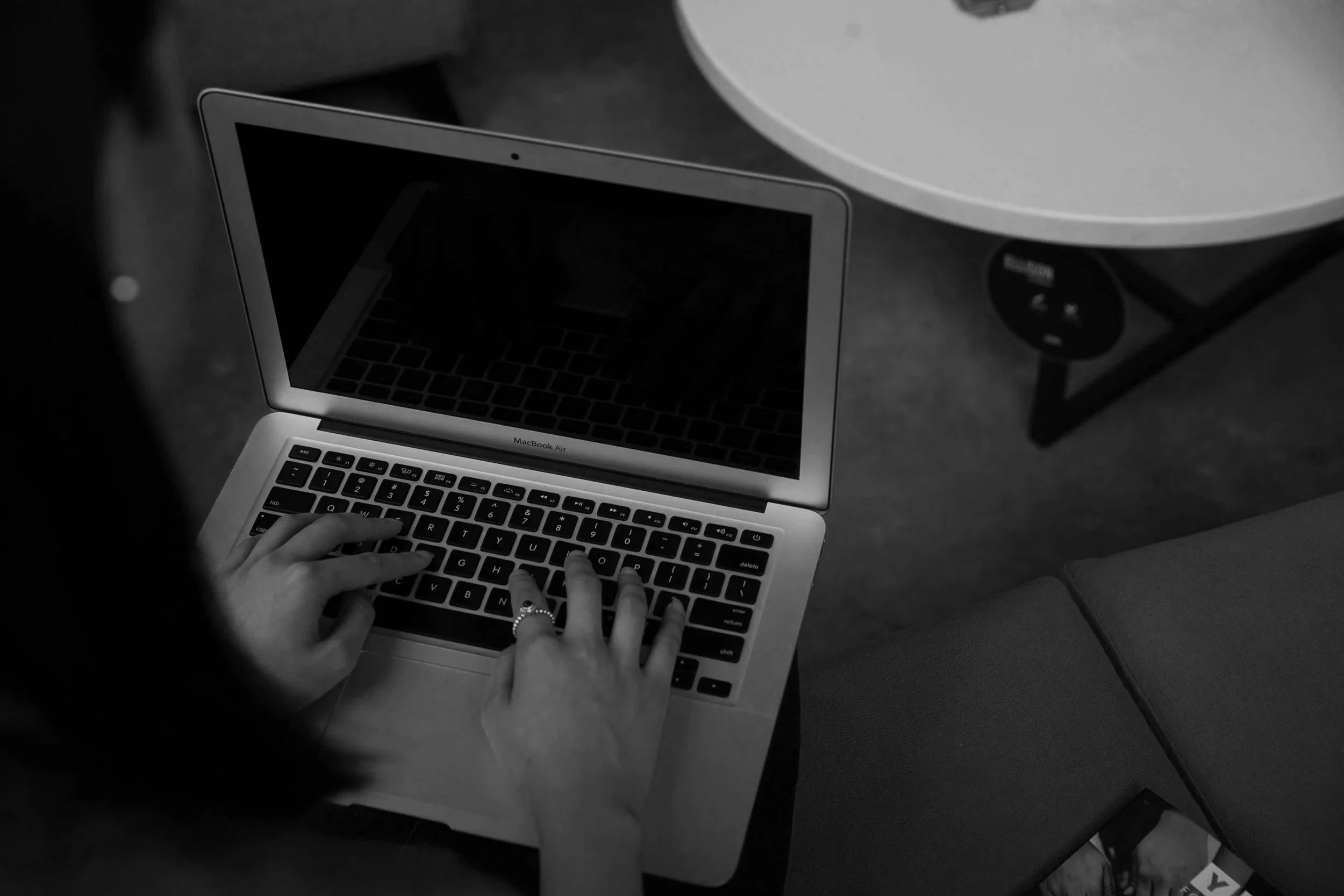
If you've built your own Squarespace website, you've already done something many business owners never get around to doing. You've taken the leap, created an online presence and put your business out there.
As someone who designs Squarespace websites for small businesses, I genuinely love seeing people give it a go themselves. Squarespace is one of my favourite platforms because it's intuitive, beautifully designed and gives business owners the confidence to manage their own website.
The thing is, building a website and building a website that brings in enquiries aren't always the same thing.
After working with small businesses for more than 14 years, I've reviewed plenty of DIY Squarespace websites. Most don't need a complete rebuild. More often than not, they just need a few strategic improvements to make them feel more professional and work a little harder for the business behind them.
Here are nine of the most common mistakes I see and, more importantly, how you can fix them.
1. Choosing a Template Before Thinking About Your Business
It's easy to fall in love with a beautiful Squarespace template. We've all done it.
The problem is that many business owners choose a design first and then try to squeeze their content into it afterwards.
Before long, important information is hidden, pages feel awkward and the website starts working against the business instead of supporting it.
A great website should be built around your customers, your services and the journey you want people to take, not simply around a template that looked nice in the demo.
How to fix it: Start with your content and the goals of your website first. Once you know what your visitors need, choose a layout that supports that journey.
2. Trying to Fit Everything on the Homepage
I completely understand why this happens.
You've spent weeks working on your website, so naturally you want visitors to see everything. Your services, testimonials, portfolio, blog, About page and latest Instagram posts all end up squeezed onto one page.
The trouble is, visitors don't know where to look first.
Your homepage doesn't need to answer every question. Its job is to reassure people they've landed in the right place and guide them towards the next step.
Sometimes less really is more.
How to fix it: Focus on introducing your business, highlighting your key services and giving visitors a clear path to learn more or enquire.
3. Forgetting About the Mobile Experience
Most people will visit your website on their phone before they ever see it on a desktop computer. Yet many DIY websites are only ever checked on a large screen.
I've seen beautifully designed desktop websites where the mobile version has oversized text, awkward spacing, cropped images and endless scrolling.
It doesn't take much for visitors to lose patience if a website feels difficult to use.
How to fix it: Always review every page on your phone before publishing. Pay attention to spacing, image cropping, button placement and how easy the content is to read.
4. Making It Difficult for Visitors to Get in Touch
One of the biggest reasons websites don't generate enquiries is surprisingly simple.
People aren't sure what to do next.
Maybe the contact button only appears once at the bottom of the page. Maybe there are too many different calls to action. Or perhaps visitors have to search for basic contact information.
If someone is ready to enquire, your website should make that process feel effortless.
How to fix it: Include clear calls to action throughout your website and make it obvious how people can contact you.
5. Using Too Many Fonts, Colours or Design Styles
Squarespace gives you plenty of creative freedom, which is fantastic, but it can also be tempting to use every design feature available.
Multiple fonts, lots of different colours and button styles.
Individually they might all look good, but together they can make a website feel inconsistent and less professional.
The most polished websites are usually the simplest.
How to fix it: Choose one or two fonts, a consistent colour palette and repeat the same design elements throughout your website.
6. Writing Website Copy That Doesn't Really Say Anything
This is one of the hardest parts of building your own website.
It's surprisingly difficult to write about yourself.
I often see websites filled with phrases like:
"We help businesses grow."
"Tailored solutions."
"Professional and reliable service."
While they're all positive statements, they don't actually tell visitors much about what you do or why they should choose you.
Your website copy should answer the questions potential clients are already asking.
→ Who do you help?
→ What do you offer?
→ What makes your business different?
→ How do people get started?
The clearer your messaging is, the easier it is for visitors to trust you.
7. Hiding Important Information
Sometimes the answers people are looking for are buried three pages deep.
Think about the questions potential clients usually have.
Where are you based?
Do you work Australia-wide?
How does the process work?
How much experience do you have?
How do I enquire?
The easier those answers are to find, the more confident people feel.
Remember, visitors don't know your business the way you do.
They shouldn't have to hunt for important information.
How to fix it: Make your navigation simple and answer common questions throughout your website, not just on one page.
8. Forgetting to Build Trust
A beautiful website helps people notice your business.
Trust is what encourages them to enquire.
One thing I've noticed over the years is that business owners often underestimate how many little trust signals people are looking for.
Things like:
Genuine client testimonials
Recent portfolio examples
A friendly About page
Professional photography
Google reviews
Clear contact information
Consistent branding
None of these work on their own.
Together, they quietly reassure visitors they're in the right place.
9. Treating SEO as Something to Worry About Later
This is probably the biggest missed opportunity.
Many DIY websites are designed first, then SEO becomes an afterthought.
Squarespace makes it relatively easy to optimise page titles, descriptions, headings and URLs, but they're only effective if you actually use them.
SEO isn't about trying to trick Google.
It's about making it easy for both search engines and potential clients to understand what your website is about.
Getting those foundations right from the beginning gives your website a much better chance of being found.
How to fix it: Think about SEO while you're building your website, not after it's finished. Even small improvements can make a difference over time.
My final thoughts
If you've been reading this thinking, "That sounds a bit like my website," don't be too hard on yourself!
Every business owner starts somewhere, and building your own website is no small achievement.
The reality is that most DIY Squarespace websites don't need to be completely rebuilt. They simply need another set of experienced eyes to improve the layout, refine the messaging and make sure the website reflects how far the business has come.
Sometimes that's just a handful of updates but more of a strategic refresh.
Either way, a few thoughtful improvements can make a huge difference to how your website looks, feels and performs.
If your Squarespace website feels close but not quite there, I'd love to help. Whether you need a few updates or a dedicated VIP Day, together we can turn your DIY website into one you're genuinely proud to share.